Cybersecurity is critical in the current remote work environment. You already know that allowing access to company data from multiple locations (including remote) could allow hackers to compromise sensitive information. Putting in some Virtual Private Networks (VPN) and some multi-factor authentication is a step in the right direction. However, how do you ensure employees are adequately trained to meet these threats head-on? How about encrypting and backing up data? These are the critical aspects of keeping a secure remote work environment. Now, the question arises of what you should do to improve your cybersecurity practice.
Common Cyber Threats
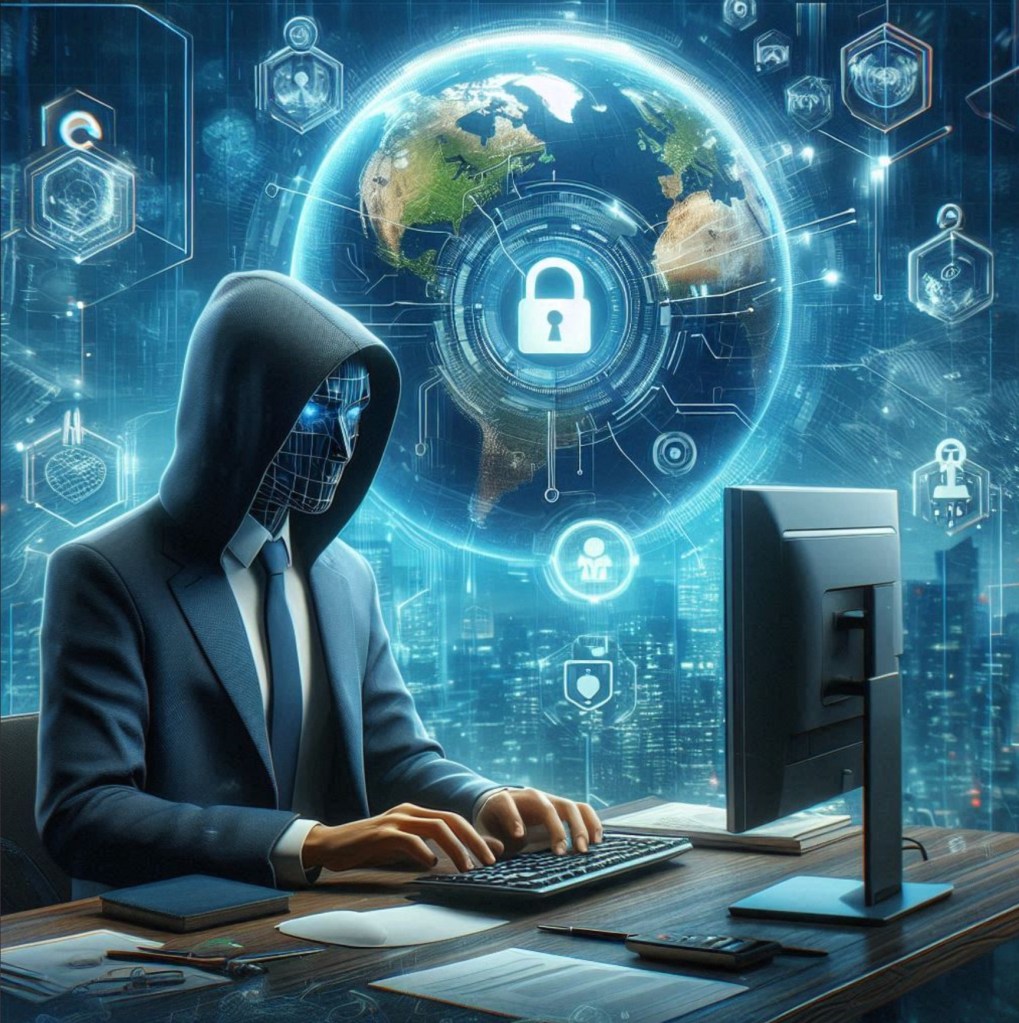
There are many cybersecurity dangers remote work environments must face, from phishing e-mails and ransomware to insecure Wi-Fi hotspots. Phishing is getting fake emails from what appears to be a natural source to get your essential details. Ransomware attacks, for instance, can lock up victims’ files and demand payment in exchange for restoration. Unsecured Wi-Fi networks: Data can be intercepted. It is essential to understand what these threats are so that we can act proactively to counter these threats. Check the validity of the email in links and attachments before interacting with it. Keep software current to help avoid ransomware. Use Secure Wi-Fi Networks and Trusted VPNs to Keep Unauthorized Access to a Minimum
Secure Remote Access
To protect against these cyber threats, secure remote access is vital for safeguarding sensitive information while working from home. Begin with a VPN; this will essentially obscure your IP address, rendering the communication from your device to their server imperceptible.
Require multiple authentication methods, such as two-factor or multi-factor authentication (MFA). This involves a password and a second verification of an SMS code or an authenticator app.
Cybercriminals use these gaps, so keep updating your software and hardware regularly. Also, be sure to secure your home network by adjusting the default settings on your router and using strong, unique passphrases. These steps will help you mitigate the likelihood of any unauthorized entry to such stuff.
Employee Training
Employee training is critical to maintaining strong cybersecurity in a remote work environment. Some of your people have probably never heard of keyloggers, so make sure they know how to spot phishing attempts, use a password manager, and lock down their home network. Working out and simulating attacks can keep the edge.
Prompt employees to report suspicious behavior immediately. Clear direction around the secure use of data and what software can and cannot be used in the company. Everyone needs to understand why they should update and patch their software regularly.
Data Protection
The next puzzle piece in shoring up your remote work environment against cyber threats will be protecting your data. Begin by implementing strong encryption for data at rest and in transit, ensuring all stored data is securely encrypted. This approach guarantees that, even if intercepted, the data will be rendered useless due to its encrypted state.
Secure, up-to-date cloud storage solutions are the key to hedging against data loss. Strict access controls ensure that only people with private information can access it. Multi-factor authentication is an approach to security that requires more than just a password to authenticate a specific identity.
Apply routine, automated updates and patches for software vulnerabilities. These actions will mitigate the likelihood of data theft and ensure that your work-from-home setup is secure and robust.
Incident Response
When a cyber incident strikes, having a robust incident response plan ensures you can swiftly mitigate damage and resume operations.
First, identify the breach quickly. Time is of the essence. Isolate affected systems to prevent further spread.
Next, assess the scope and impact of the incident. Gather evidence and document everything.
Then, communicate with your team and stakeholders to keep everyone informed. Transparency is key.
Execute your pre-defined recovery steps to restore systems and data.
Finally, conduct a post-incident review. Learn from the breach to strengthen your defenses.
Update your incident response plan regularly to adapt to new threats. This proactive approach minimizes downtime and protects your organization’s integrity.
Frequently Asked Questions
How Can Companies Assess the Effectiveness of Their Cybersecurity Measures?
Conduct regular audits, penetration testing, and employee training to assess the effectiveness of your cybersecurity measures.
Implement real-time monitoring and review incident response times to ensure your defenses are robust and up-to-date.
What Are the Best Practices for Securing Home Wi-Fi Networks for Remote Work?
Changing your default router password, enabling WPA3 encryption, and regularly updating your router’s firmware would be best.
Also, a separate network for work devices should be created, and a robust and unique password should be used for added security.
How Can Businesses Balance Cybersecurity With User Convenience?
You can balance cybersecurity with user convenience by implementing user-friendly security measures, like single sign-on and multi-factor authentication.
Regularly update software and educate employees on best practices to maintain a secure yet efficient work environment.
What Role Does Cybersecurity Insurance Play in Remote Work Environments?
Cybersecurity insurance helps you mitigate financial losses from cyberattacks. It covers costs like data breaches and system repairs.
Protecting your business from unexpected cyber threats is crucial in remote work environments.
How Do Emerging Technologies Impact Cybersecurity in Remote Work Settings?
Emerging technologies like AI and blockchain impact cybersecurity by enhancing threat detection and data integrity.
These advancements help mitigate risks, ensuring your remote work environment stays secure against evolving cyber threats.
Conclusion
In remote work environments, you play a crucial role in maintaining cybersecurity by staying vigilant against common threats.
You can prevent unauthorized access by using secure remote access methods like VPNs and MFA.
Regular training helps you recognize and respond to potential threats effectively.
Data protection measures, such as encryption and backups, are essential in mitigating risks. Lastly, swift incident response ensures that security breaches are quickly contained, keeping your organization’s digital assets safe.

 The Guru's World
Leave a comment